Message length estimate
Estimated lengthWithin the suggested lengthSuggested character limit: 9
This is a planning estimate, not a visibility guarantee. Screen size, brightness, font style, eyesight and venue lighting all change the result.
Concert Sign · powered by LED Banner
Build a short, readable message for the moment, preview the right style, and finish it full screen in LED Banner.
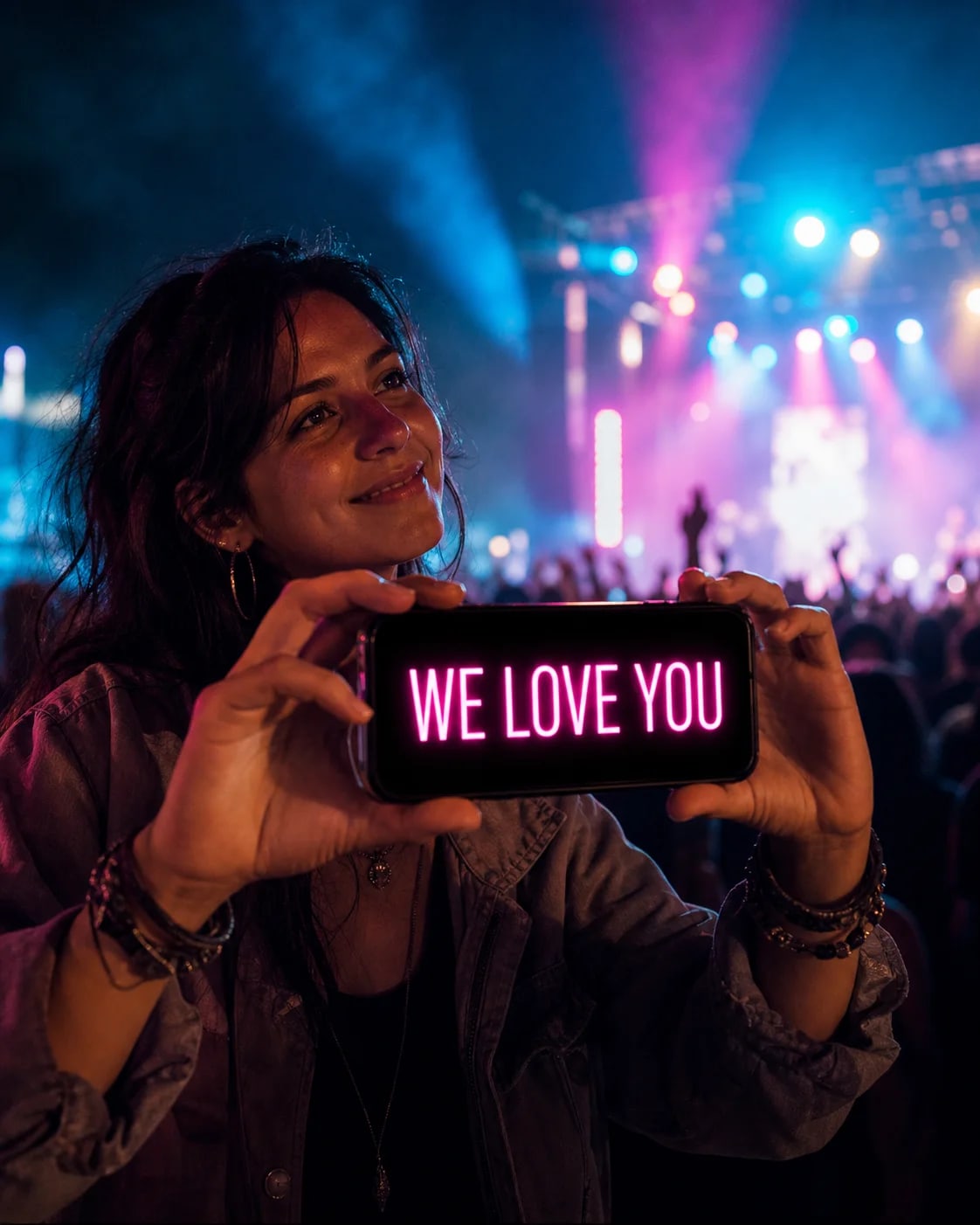
Starts only on tap, flashes inside the preview, and stops automatically after three seconds.
Free concert sign tools
Test whether the words fit the viewing distance, then find a shorter message for the moment.
This is a planning estimate, not a visibility guarantee. Screen size, brightness, font style, eyesight and venue lighting all change the result.
Signs for far seats
Signs for far seats. Build a short, readable message for the moment, preview the right style, and finish it full screen in LED Banner.
Keep the message short enough to understand in one glance. Use bright text on a dark, high-contrast background.
Static text keeps a short message visible at once, without waiting for a scroll cycle. Test the sign from a real viewing distance before the event.
Before the show, estimate your concert message length for your seat distance. Use the result as a starting point, then test the sign from the actual distance.
Choose one short message.
Match the style and movement to the venue.
Download LED Banner, enter your chosen words and show them full screen.
Keep the message short enough to understand in one glance.
Use bright text on a dark, high-contrast background.
Static text keeps a short message visible at once, without waiting for a scroll cycle.
Test the sign from a real viewing distance before the event.
Yes. A short, high-contrast message shown full screen can work well when venue rules allow it.
Static text shows the whole short message at once. Use slow scrolling only when a longer phrase cannot fit, and test either choice from the viewing distance.
Yes. LED Banner supports iPhone and iPad; the larger iPad screen is more visible but should be used briefly.
Concert Sign · powered by LED Banner