Keep the message short enough to understand in one glance.
SIGN
English
Concert Sign · powered by LED Banner
Make a concert sign on your phone
Preview a concert message here, then make it full screen with LED Banner on iPhone or iPad. Choose your words below and download the app when you’re ready.
iPhone+iPadMac
Need the dedicated format? How to make a concert sign on your phone
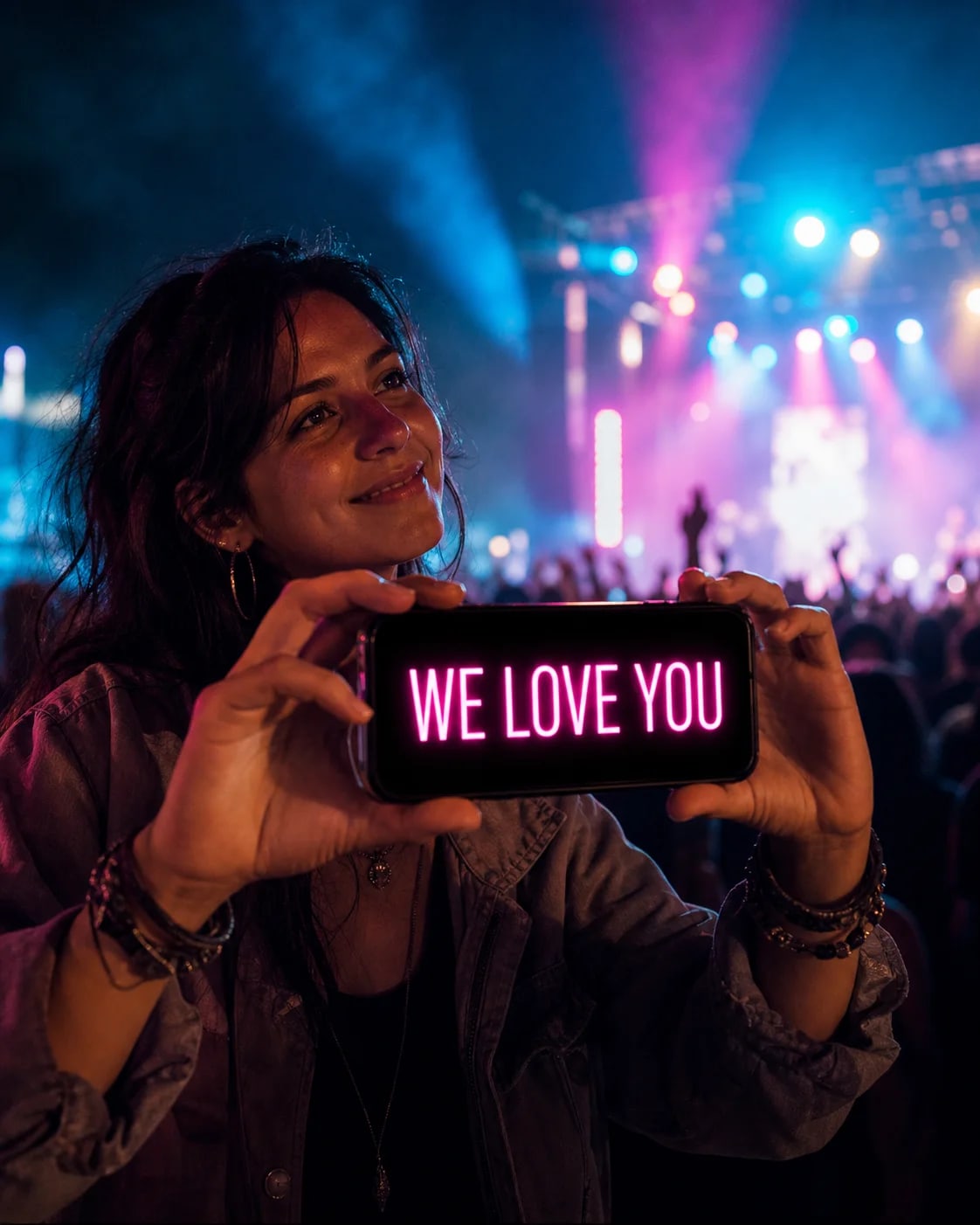
WE LOVE YOU
Regular · LED · Neon
Watch it happen · 12 seconds
No poster?
Use your phone.
For the one-more-song moment.
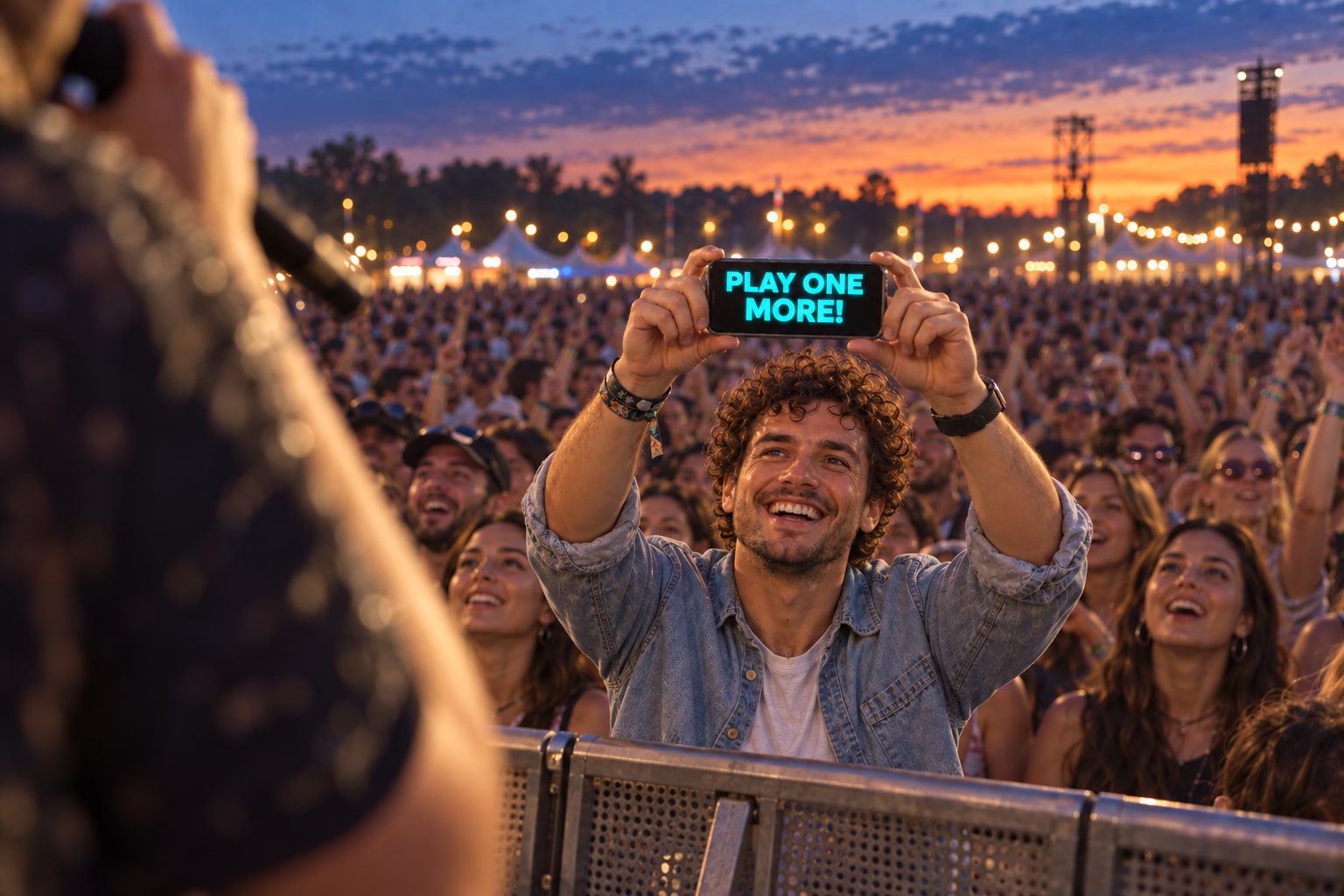
Pick a short message, make it bold, then give it some movement. See ONE MORE! become a full-screen concert sign in LED Banner.
Make your concert signOpens LED Banner in the App Store · iPhone + iPad.
Keep other fans’ view clear and follow the venue’s rules.
Read the video description
“Don’t send it. Show it.” A phone displays ONE MORE! in yellow. In an illustrated Effects panel, a tap changes movement from Static to Left. The message then scrolls left. The closing card reads “Be seen. Get LED Banner.” Instrumental music; no spoken dialogue.
02
Preview the moment
Starts only on tap, flashes inside the preview, and stops automatically after three seconds.
03
From idea to concert sign
- 01
Choose one short message.
- 02
Match the style and movement to the venue.
- 03
Download LED Banner, enter your chosen words and show them full screen.
05
Make it readable
Use bright text on a dark, high-contrast background.
Show the sign briefly and follow the venue’s rules.
Keep the most important words at the beginning.
06
Keep exploring
01Concert sign ideas↗02Concert sign readability↗03Song request signs↗04Funny concert signs↗05First concert signs↗06K-pop concert signs↗
Guides+24
07Phone sign for concerts↗08iPhone concert sign↗09iPad concert sign↗10Static vs scrolling concert signs↗11LED vs neon concert signs↗12Best concert sign colors↗13Concert sign etiquette↗14Festival signs↗15Fan support signs↗16Thank-you signs for artists↗17Encore sign ideas↗18Birthday concert signs↗19Front-row concert signs↗20Signs for far seats↗21Group fan projects↗22Multi-phone concert signs↗23Pop concert signs↗24Rock concert signs↗25Metal concert signs↗26Hip-hop concert signs↗27Latin concert signs↗28EDM festival signs↗29DJ and rave signs↗30Acoustic concert signs↗
07
Questions fans ask
Can I use my phone as a concert sign?
Yes. A short, high-contrast message shown full screen can work well when venue rules allow it.
Is static or scrolling text better?
Static text shows the whole short message at once. Use slow scrolling only when a longer phrase cannot fit, and test either choice from the viewing distance.
Does LED Banner work on iPhone and iPad?
Yes. LED Banner supports iPhone and iPad; the larger iPad screen is more visible but should be used briefly.
Concert Sign · powered by LED Banner